
The Sona platform brings KNX, BACnet, Modbus, DALI, Zigbee, M-Bus, MQTT and many more protocols together in a single device, lets you design your own visualization and adds schedules, scripting, trends, reporting, mobile control, voice control and much more, and delivers all of it as a self-contained solution with the server built in, for building and home automation alike.


Building automation
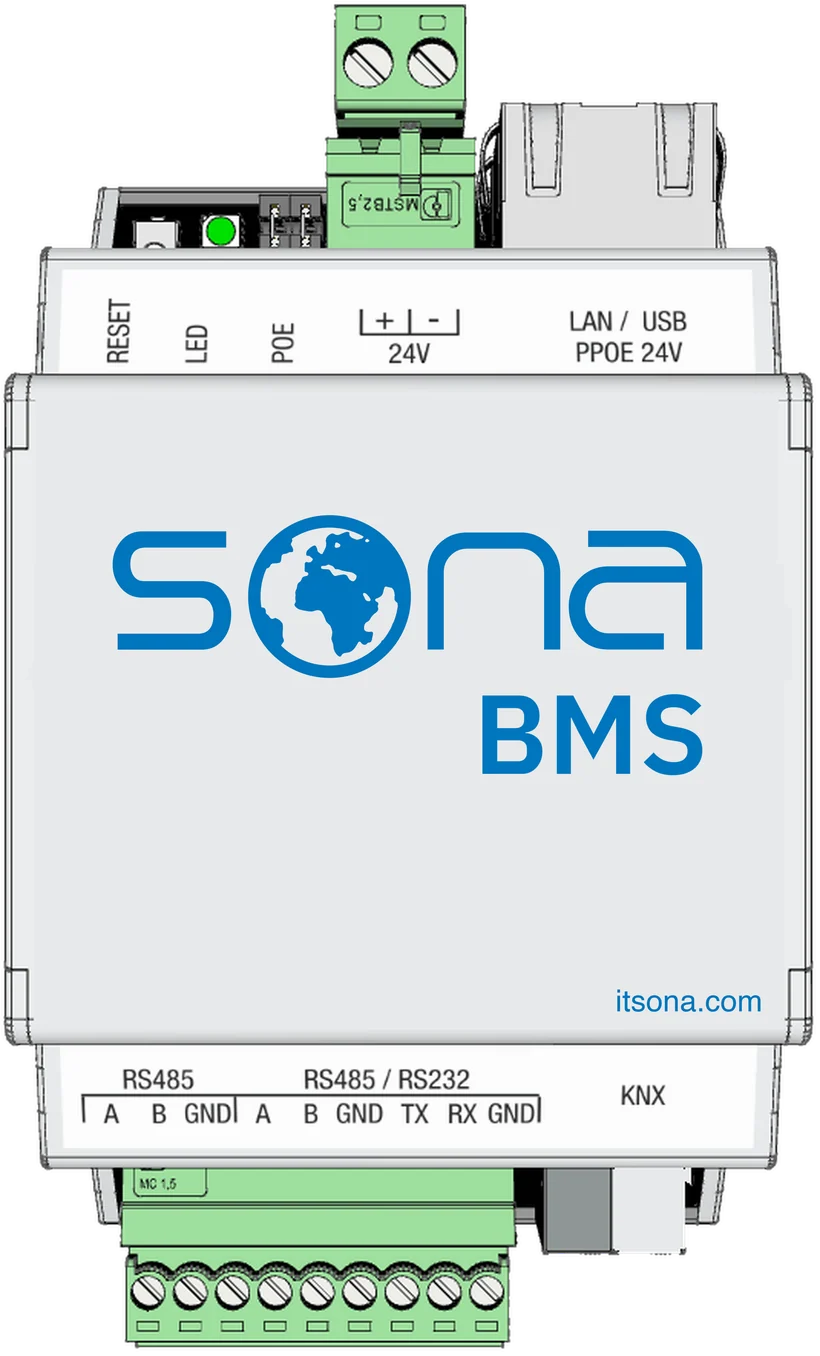
Monitor and control a building's mechanical and electrical systems from one place: HVAC, lighting, energy and utilities. Sona BMS is a full building management system. Manage alarms, log trends, schedule reports, and balance comfort against consumption on the same screen. Operators work entirely in the browser on their PC; there is no separate SCADA package to install and license.
- BACnet
- Modbus
- KNX
- MQTT
- SNMP
- HTTP/REST
- DMX512
- DALI gateway
- Zigbee gateway
- Z-Wave gateway
- M-Bus gateway
- EnOcean gateway

Home automation
Lighting, blinds, climate, underfloor heating, multiroom audio, cameras, security scenes, the pool, irrigation and energy: every system in the house comes together on one platform. Scenes adjust the lights to sunset on their own. One tap on Good night settles the whole house for the night, while holiday mode keeps it looking lived-in. Speak to the house through Apple Siri, Google Assistant or Alexa, and reach it from your phone anywhere in the world. Scenes run locally inside the house, so the home keeps working even when the internet drops. Homeowners edit their own scenes from the phone instead of waiting for a service call for every change.
- Scenes and routines
- Multiroom audio and Spotify
- Camera viewing
- Pool, irrigation, garden
- Energy and solar monitoring
- Free mobile and cloud access
- KNX
- BACnet
- Modbus
- MQTT
- SNMP
- HTTP/REST
- DMX512
- DALI gateway
- Zigbee gateway
- Z-Wave gateway
- M-Bus gateway
- EnOcean gateway


Design the graphics yourself
Visualization is not locked into ready-made templates. You lay out the floor plans, device pages and dashboards yourself in a drag-and-drop editor. Use your own logo, colors and icons, and hand the project over under your own brand. On the building side, SCADA pages run in a PC browser; on the home side, room screens run on the panel and on the phone. All of it comes out of the same design tool.

Floor plan in a PC browser

Room screen on a SonaHMI panel

Mobile interface on a phone
The application you need installs from the store
Not every project needs every feature, so the platform ships with an application store. Emergency lighting testing, alarm management, hotel integration or music: whatever the job calls for, that application installs onto the automation server from the store. You start with the free applications and unlock new capabilities with a license as the need grows. No new device, no new system, no new investment.

No PC to install, nothing to maintain
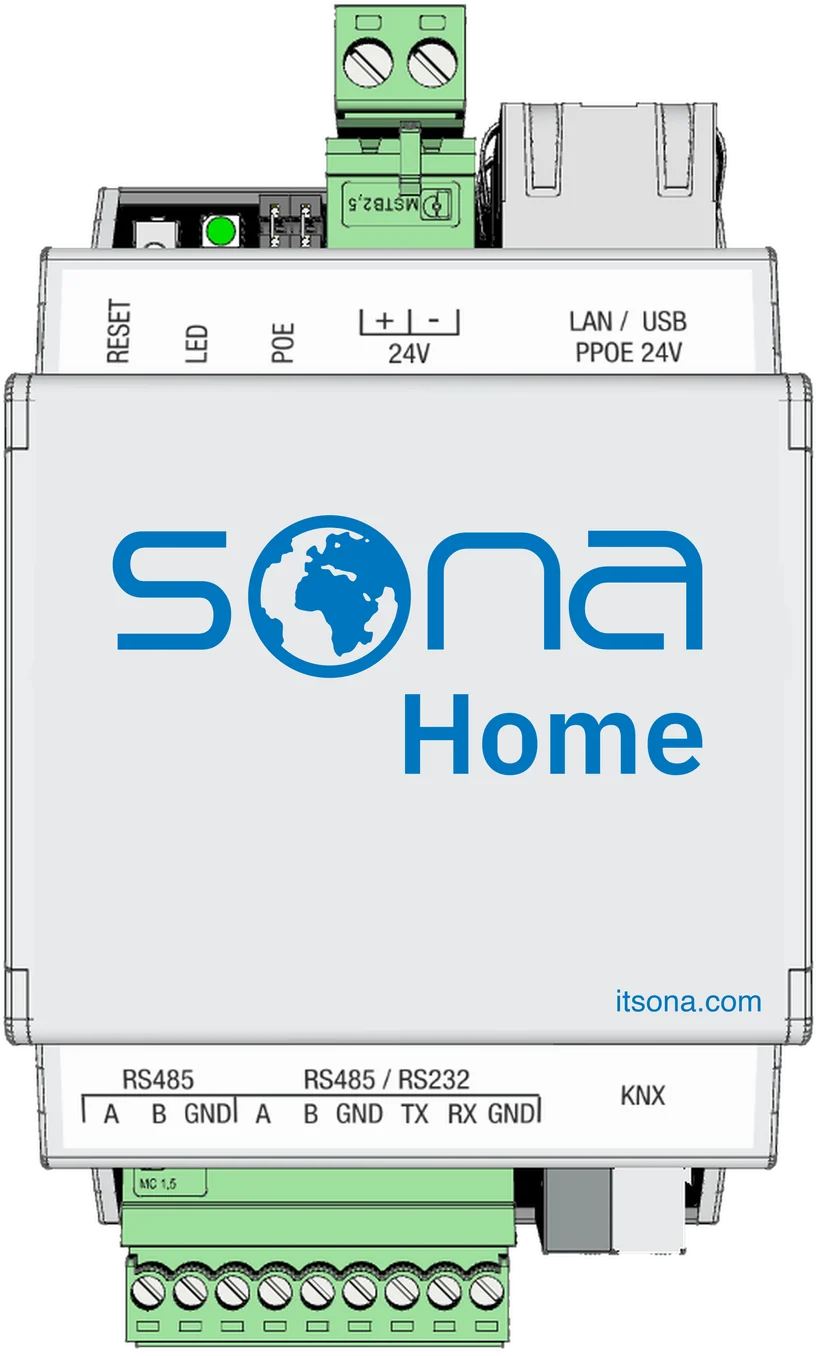
The system runs inside the automation server on the DIN rail. There is no software to install on a PC, no separate server, no machine to keep running; the operator simply opens a browser. Installation, patching and running costs disappear. After a power cut the system comes back on its own. With generous onboard storage, trends and records are kept on the device for up to 15 years.
15 years
of trends and records, held on the device

Become a Sona dealer.
Build your projects on a single platform. Training, technical support and the application catalog are open to our dealers.